 SurveyorSim
for students · your own survey kit
The whole kit, all yours
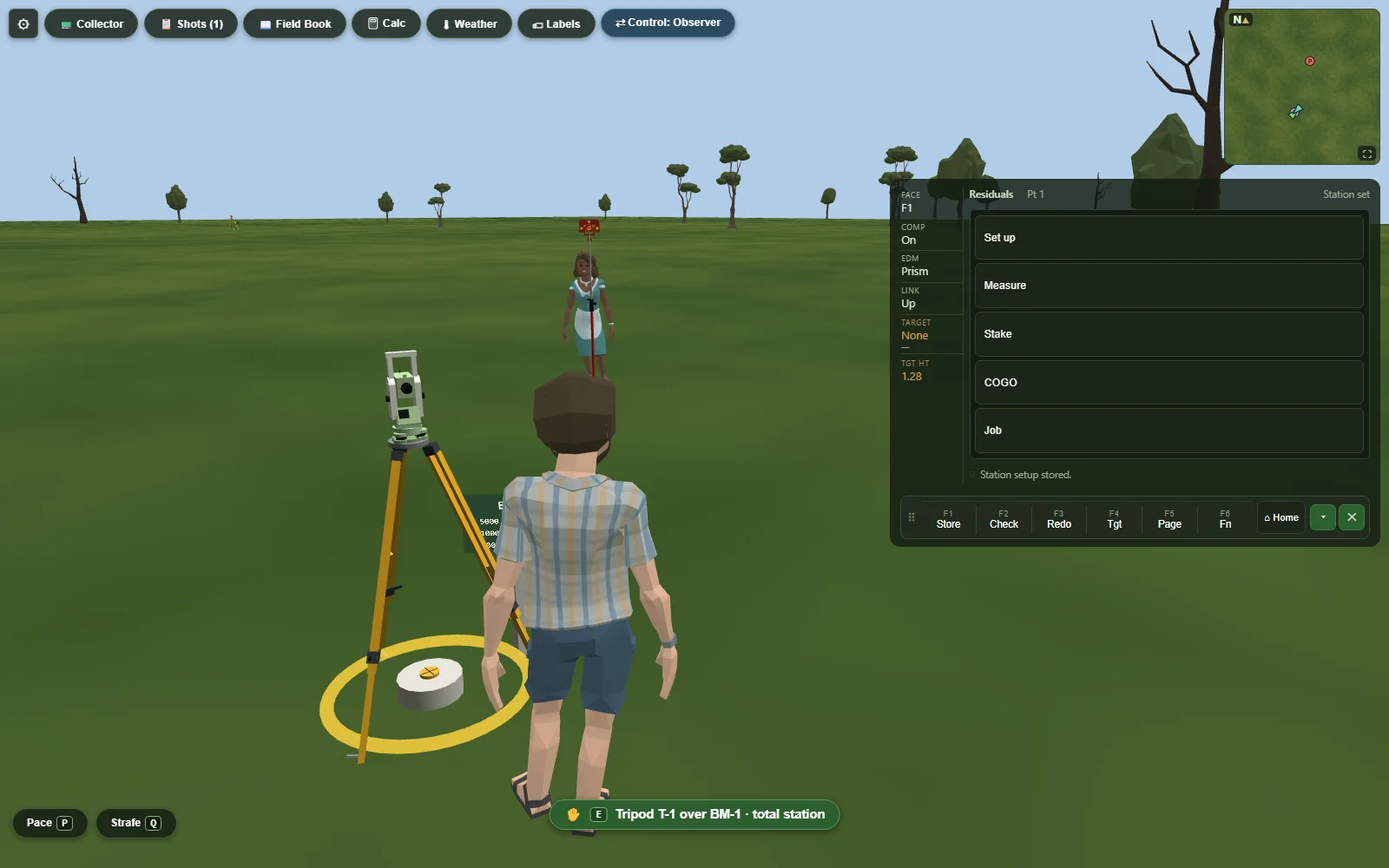
A total station, an automatic level, a 25-foot rod, a chain, a data collector, and a field book — no sign-up sheet, no waiting your turn. Set up over the point, run the loop, keep the book, close the traverse, as many times as it takes.
no account · no install · your Chromebook is enough
The skills that transfer
same steps as the real thing —Maybe your course meets in a field and this is what you practice on between labs. Maybe it's fully online and this is the field. Either way the procedure is the same one a crew runs, and the instrument is a real model, not an animation of one.
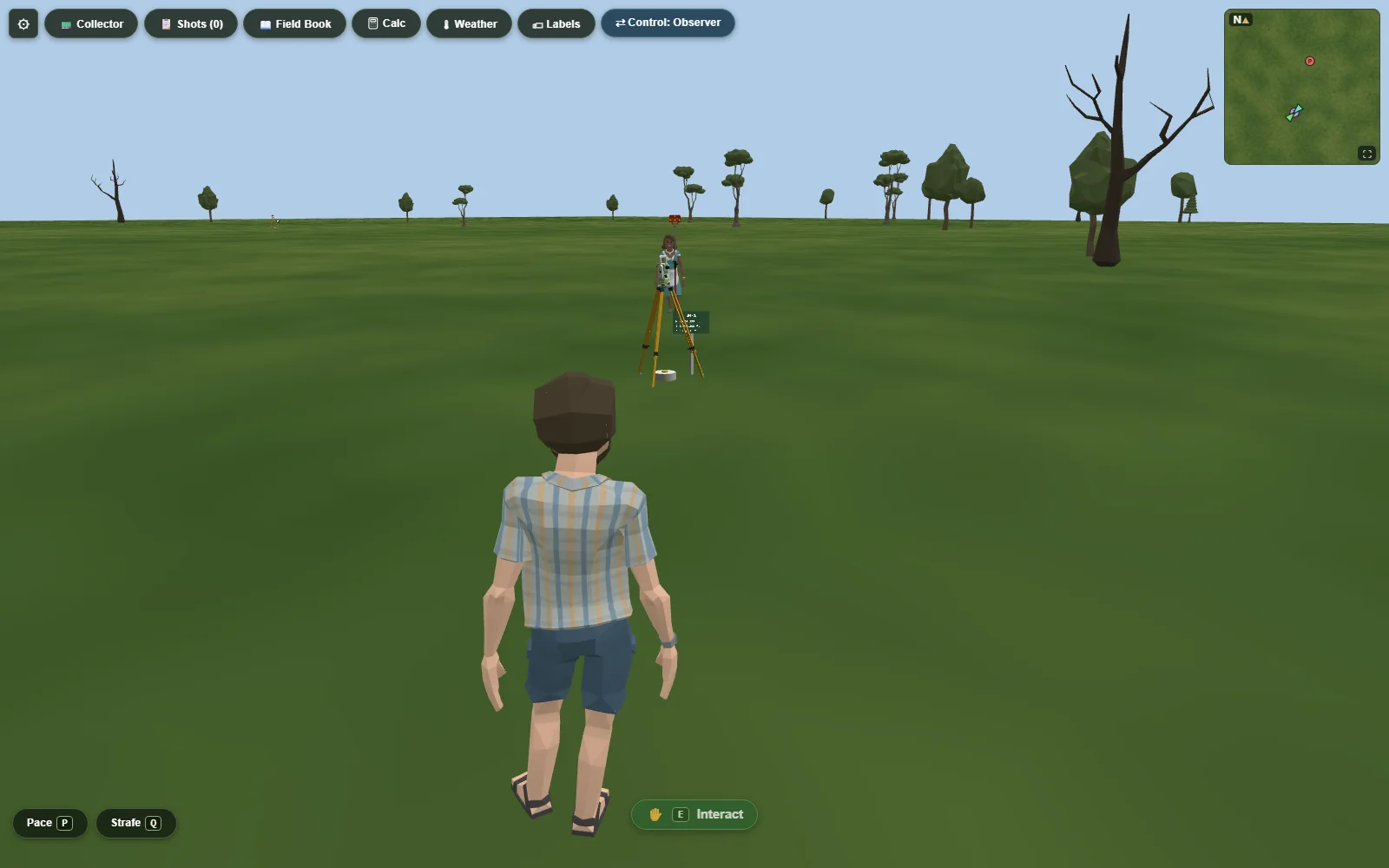
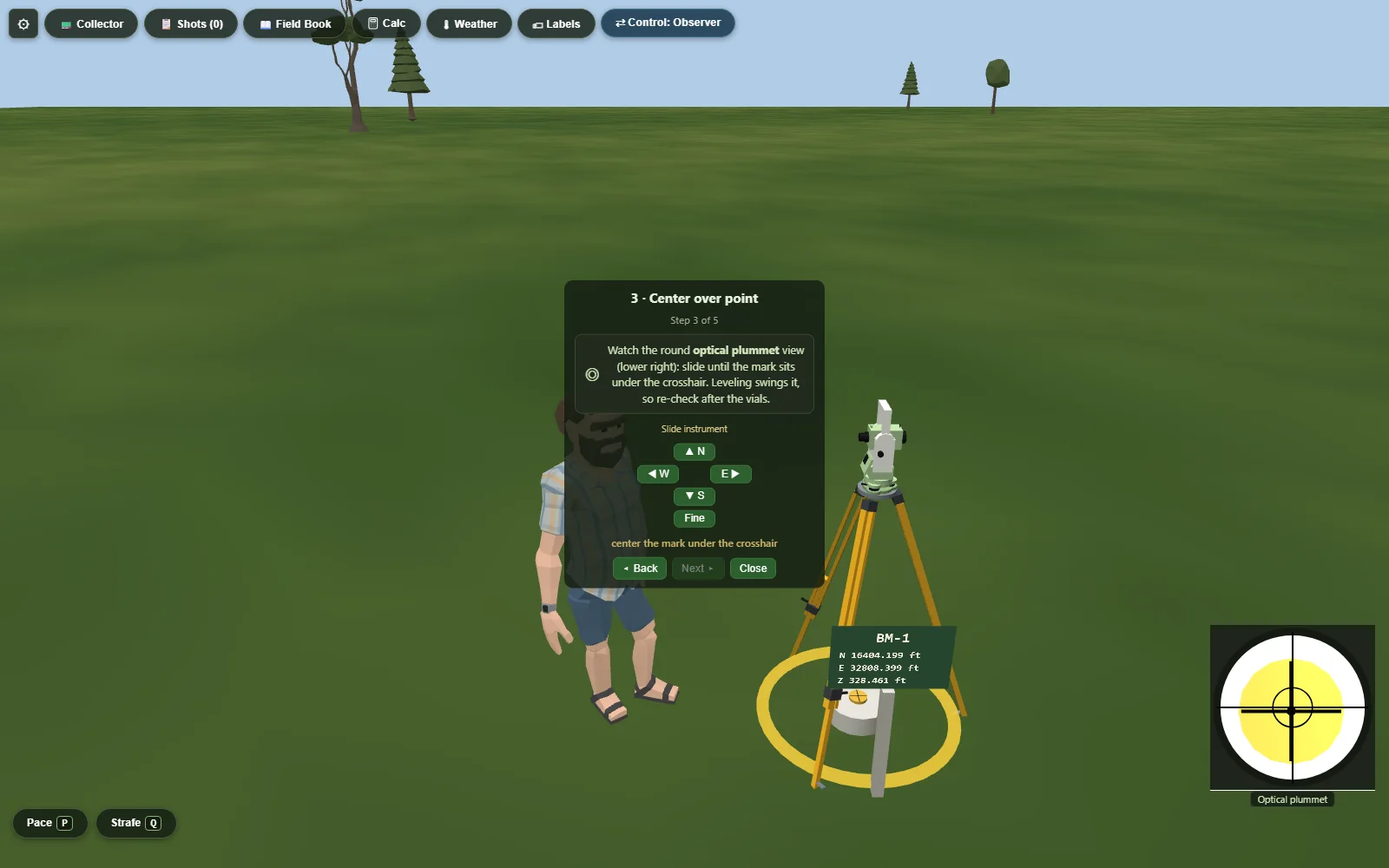
- Instrument setup, the full ritual: spread the legs, rough-level, center the optical plummet over the mark, fine-level on the footscrews, and measure your height of instrument. The guided panel teaches it; then it's yours.
- Reading a rod through the level, to the hundredth, three wires when asked — while the rodman waves it through plumb and you book the minimum.
- Turning angles direct and reverse, meaning D&R sets, and understanding — because you'll see it — why the mean of Face 1 and Face 2 cancels the collimation and index errors, which Face 2 alone carries with the opposite sign.
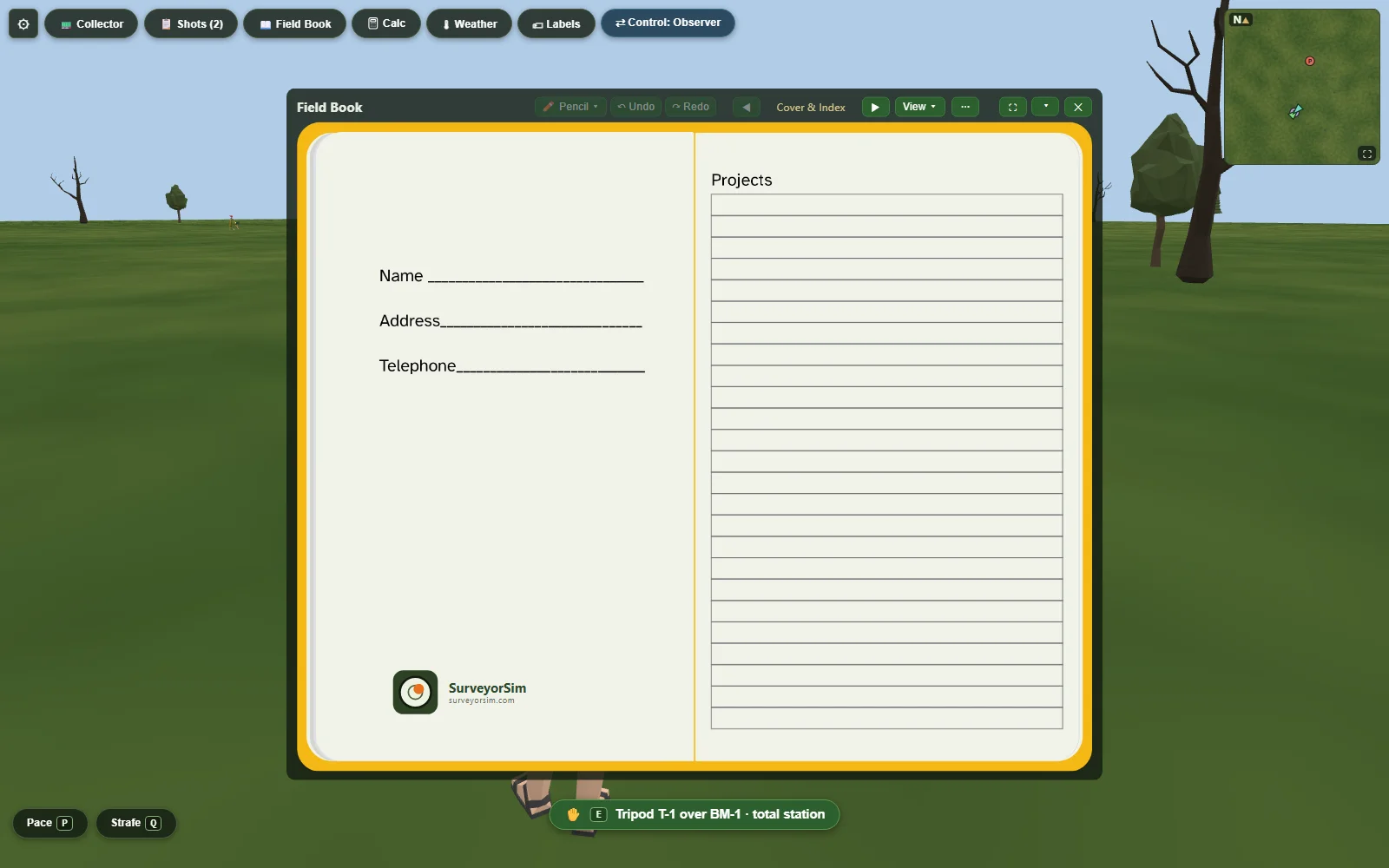
- Keeping a field book with no eraser: strike through, correct beside, and check your own column sums. Your instructor reads the book you kept.
- Closing loops. Level circuits that must balance; traverses that must close. When the misclosure is 0.08 ft, the sim can tell you where the sloppiness lives — and it was one of your steps.
It tells you the truth about your error
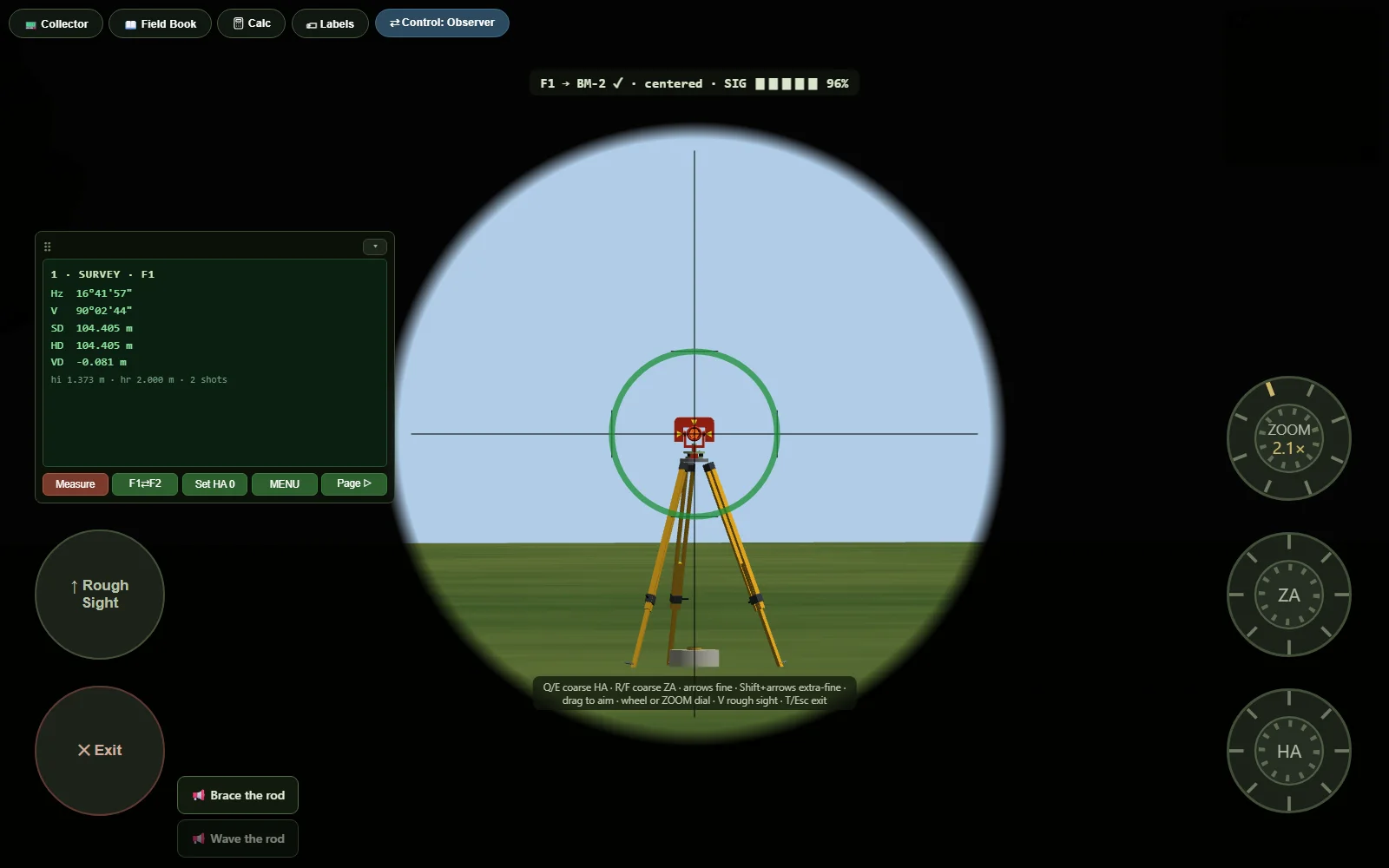
The instruments here have the same flaws real ones do: a prism constant that's wrong if you don't set it, distances that drift with temperature, a rod that sways when the rodman gets tired. Not as punishment — as the actual lesson. Procedure is the tool that beats error, and this is a place where you can watch it win.
And when you just want to see the geometry, the Zero error setting takes the instrument out of the argument: no collimation, no index error, no unset prism constant, no drift with the weather. What it cannot switch off is the earth — curvature and refraction are geometry, not instrument error, so a long sight still reads low at every setting, and the correction is still yours to apply. That is not a rough edge. It is the one thing on this list a calculator cannot do for you.
If your class uses SurveyorSim
thirty seconds, topsGet the code
Your instructor gives you a class join code and your own 8-character code — on a printed slip, or by email if they have your address. Enter the class code, then yours, then choose a 4-digit PIN. Your code and PIN together are your sign-in, so keep the slip. Nobody else can take your seat, because nobody else has your code. (Instructors can roster you under a nickname.)
Open the assignment
Each assignment drops you on the site your instructor built, with the task, the tolerances, and the control you need. The field book comes pre-printed with the right column headings — the numbers are on you.
Do the work, submit once you're sure
Measure, book, check your pages, submit. Your grade comes from your actual fieldwork — the residuals of your shots against the site's true values — not from a multiple-choice quiz about it.
The rod is waiting
Free, in your browser, right now. First shot in under five minutes.